01
Enter a number in the Numberblocks Generator
Type a value from 1 to 9999 in the Numberblocks Generator. Start with 6, 10, or 28, then try bigger values.
- Random button included
- URL keeps the number
Unofficial fan-made math tool
Create original colorful number blocks online, inspect math facts, and jump into Scratch, TurboWarp, Websim, band, and perfect numbers activities.
Original HTML/CSS blocks, no official character artwork.
Enter a number, randomize a value, and copy a share link.
Generated block value
10
Make a number block first, then try different ways to play.
Enter a number, randomize values, and inspect math facts without downloading or signing in.
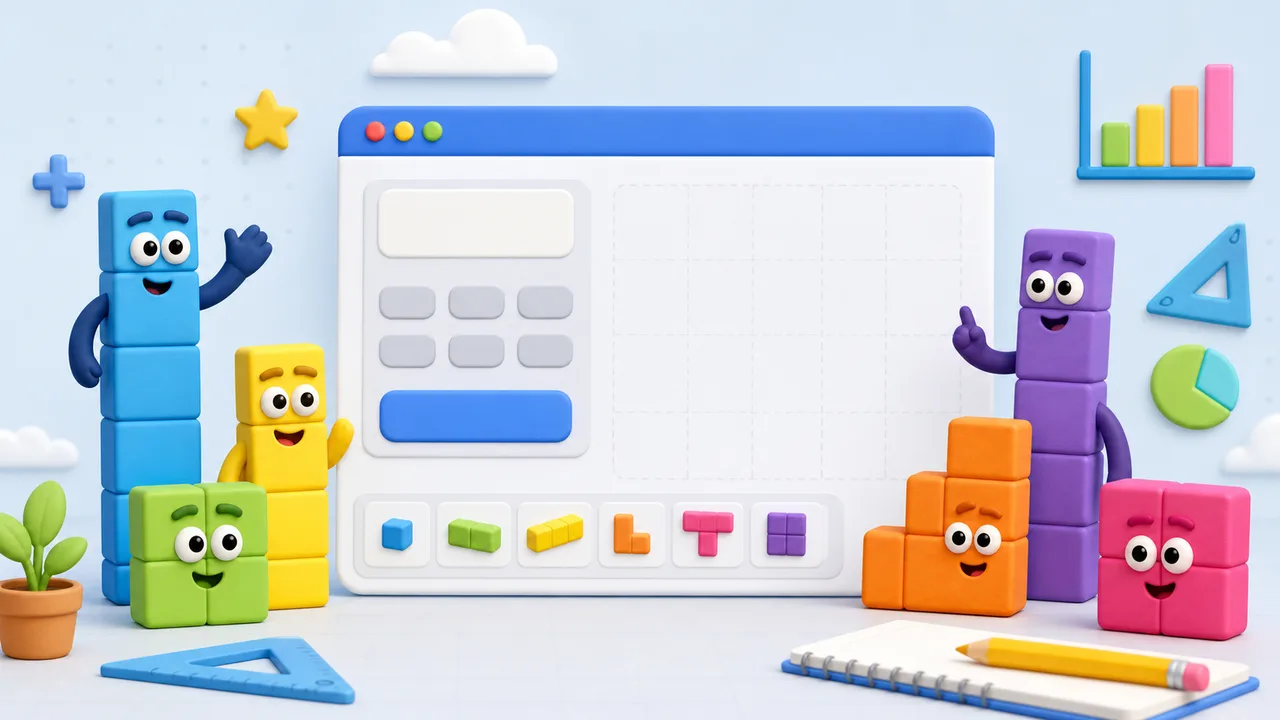
Try Scratch, TurboWarp, Websim 3D, band, and perfect numbers activities when you want something different.

Follow these steps to use the tool and continue into related activities.
Type a value from 1 to 9999 in the Numberblocks Generator. Start with 6, 10, or 28, then try bigger values.
The Numberblocks Generator shows odd/even status, prime status, square numbers, factors, and digit count for quick math exploration.
Open Scratch, TurboWarp, Websim playground, band, and perfect numbers activities from the related links.
This site is an unofficial fan-made educational site.
Try Scratch, TurboWarp, Websim, band, and math tools next.
Open another playful Numberblocks-style activity.
PopularOpen another playful Numberblocks-style activity.
Open another playful Numberblocks-style activity.
Open another playful Numberblocks-style activity.
Open another playful Numberblocks-style activity.
Official status, speed, large numbers, and sharing.
No. This Numberblocks Generator is an unofficial fan-made educational site and is not affiliated with Numberblocks, BBC, or CBeebies.
Yes. Values from 1 to 100 render as individual blocks; larger values use grouped representations so the page stays fast.
Scratch and TurboWarp are useful for playing community projects, while the homepage tool is best for quickly making your own number.
Yes. The copied link keeps the current number parameter, and the share buttons can share the activity.
Use the homepage tool first, then open Scratch, TurboWarp, Websim 3D, band, and perfect numbers activities.
Unofficial fan-made educational site.