01
Start the tool
Try the interactive area first. Start with a small number, then increase the value when everything feels smooth.
- Start with 6, 10, or 28
- Use fullscreen for embedded players
3D playground
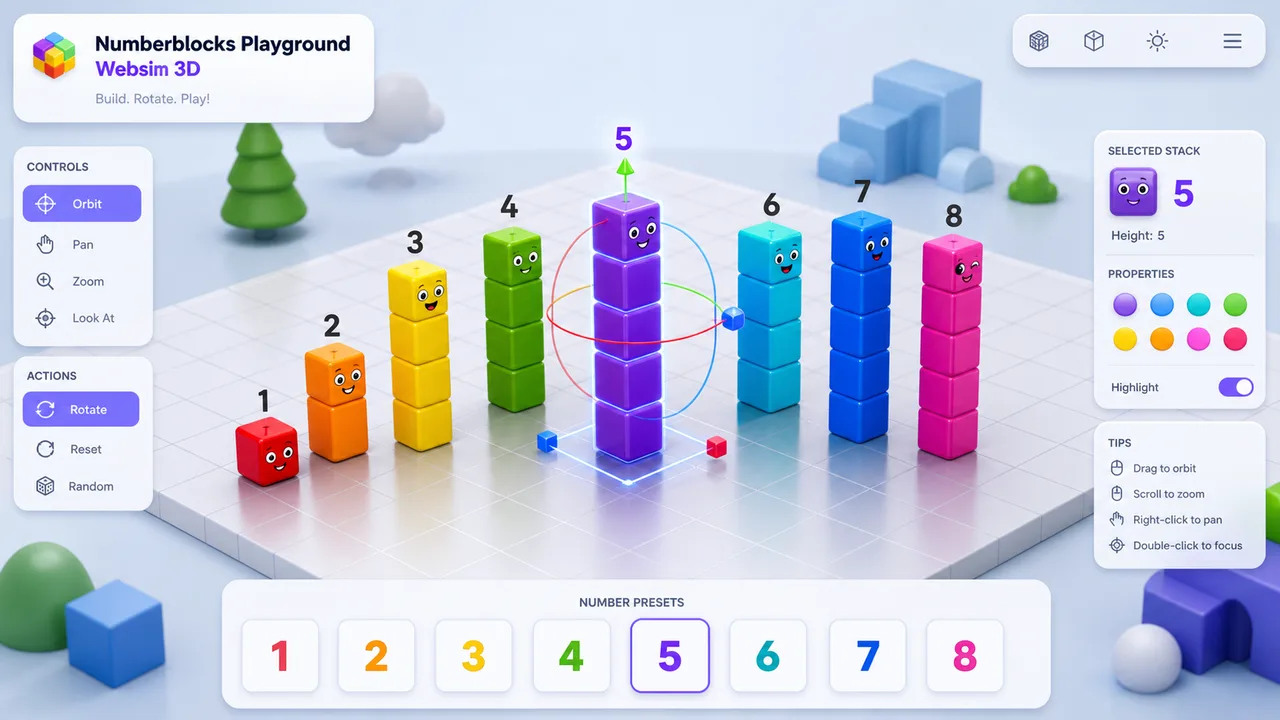
Open numberblocks playground websim 3d directly in 3D mode for cube stacks, rotation, and quick number presets. Build a number, spin the view, and reset the scene whenever you want.
Unofficial original tool, no official character artwork.
Fun Numberblocks-style number activities you can play right in the browser.
Start playing right away, then use the guide when you want a smoother experience.
The 3D playground focuses on cube stacks, rotation, and quick resets. Try a number first, then adjust the mode or read the guide when you want more ideas.
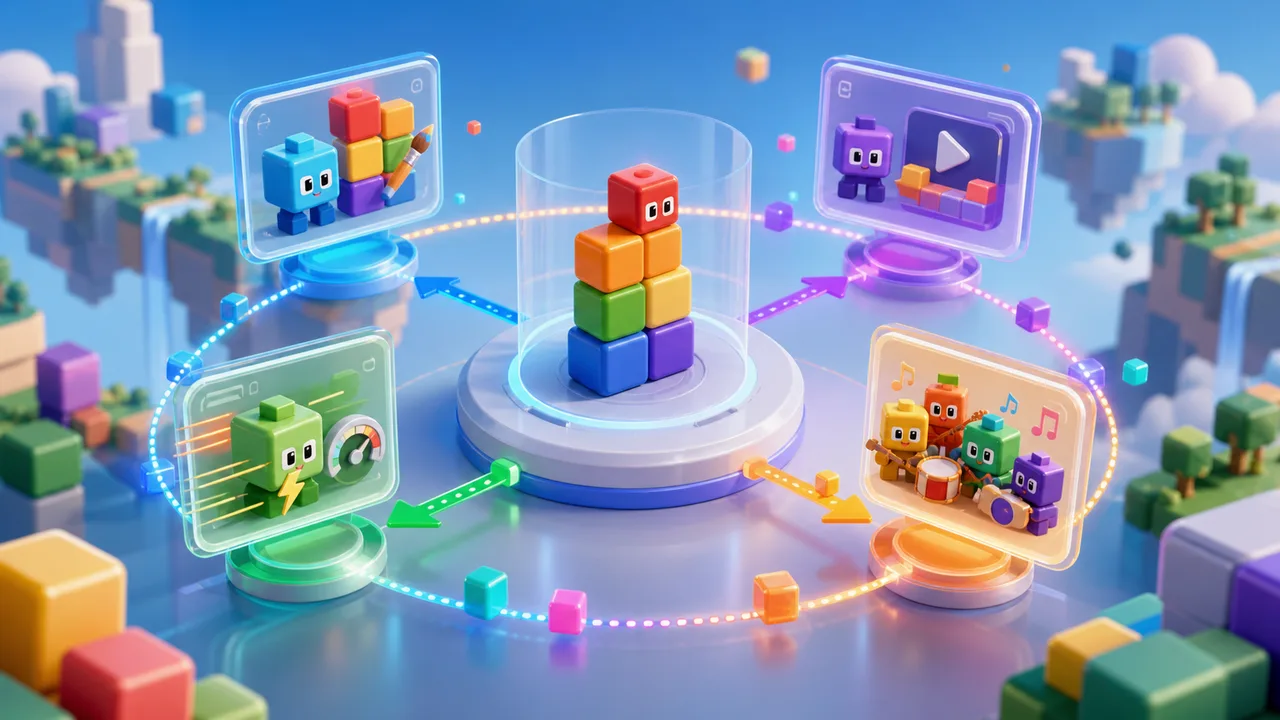
Try a different version or activity when you want a new way to play with numbers.
Use these quick steps to start playing and fix the most common loading issues.
Try the interactive area first. Start with a small number, then increase the value when everything feels smooth.
If one player feels slow, try a different version — TurboWarp often loads faster, and the built-in tool works without any external connection.
Use the share controls after you pick a useful number or mode. Generator pages keep the selected number in the link when possible.
This site is unofficial and fan-made. External project credits are shown near embedded players.
Try another version when you want a faster player, a 3D playground, a band activity, or a math checker.
Play a Scratch or TurboWarp number generator in the browser.
RelatedFaster loading and fullscreen play for number experiments.
Build colorful cube stacks in 2D or 3D mode.
Arrange a number sequence and play a visual rhythm.
Quick answers about official status, loading, mobile play, and sharing.
No. This is an unofficial fan-made educational site and is not affiliated with Numberblocks, BBC, or CBeebies.
Some players load from Scratch, TurboWarp, or Websim. If one gets stuck, try the local tool or open the source link in a new tab.
Yes. The layout is responsive. For embedded projects, landscape mode and fullscreen usually make controls easier to tap.
Yes. Use the share buttons near the tool. Dynamic generator pages preserve the current URL when possible.
After using this numberblocks playground websim 3d page, jump to a related generator, playground, band builder, or perfect numbers checker.
Each activity is playable in the browser and keeps credits visible when it uses an external project.
Unofficial fan-made educational site.